// the problem is you
AI Screenshot Organizer for Mac — Turn Screenshots into Searchable Notes
ohsnp turns your screenshots into searchable, AI-organized notes. local-first. you keep everything.
[>] JOIN THE WAITLIST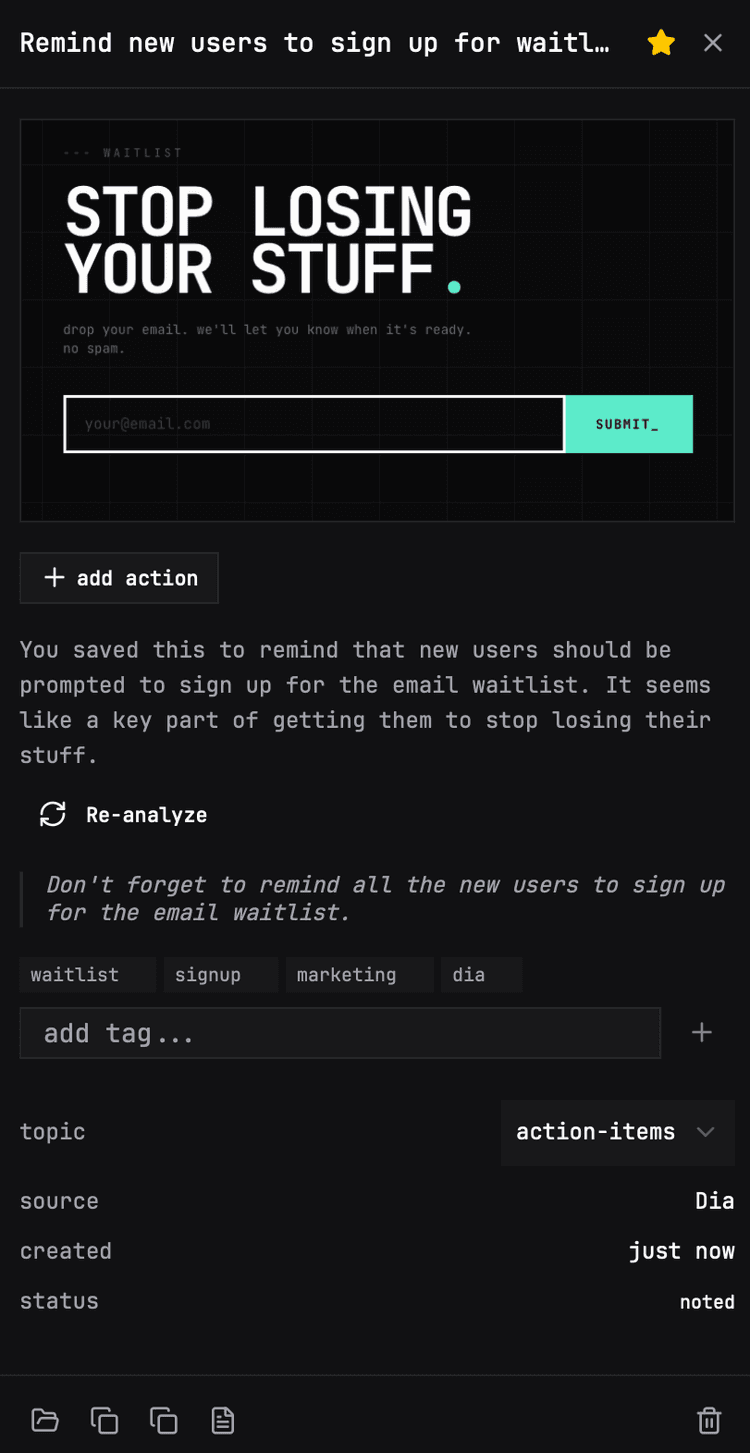
*** stat_01
7,500+
SCREENSHOTS PER YEAR
meeting agendas, error logs, design inspo, receipts. all of it goes to die on your desktop.
*** stat_02
2hrs
WASTED PER WEEK
scrolling through 1,200 files named Screenshot 2026-01-14 at 3.42.17 PM.png. you know the one. it's gone.
*** stat_03
~/Desktop
THE GRAVEYARD
your desktop is not a filing system. ohsnp detects, extracts, and organizes — all local. your data.
--- why ohsnp
built for how you actually work.
*** feat_01
AI screenshot analysis
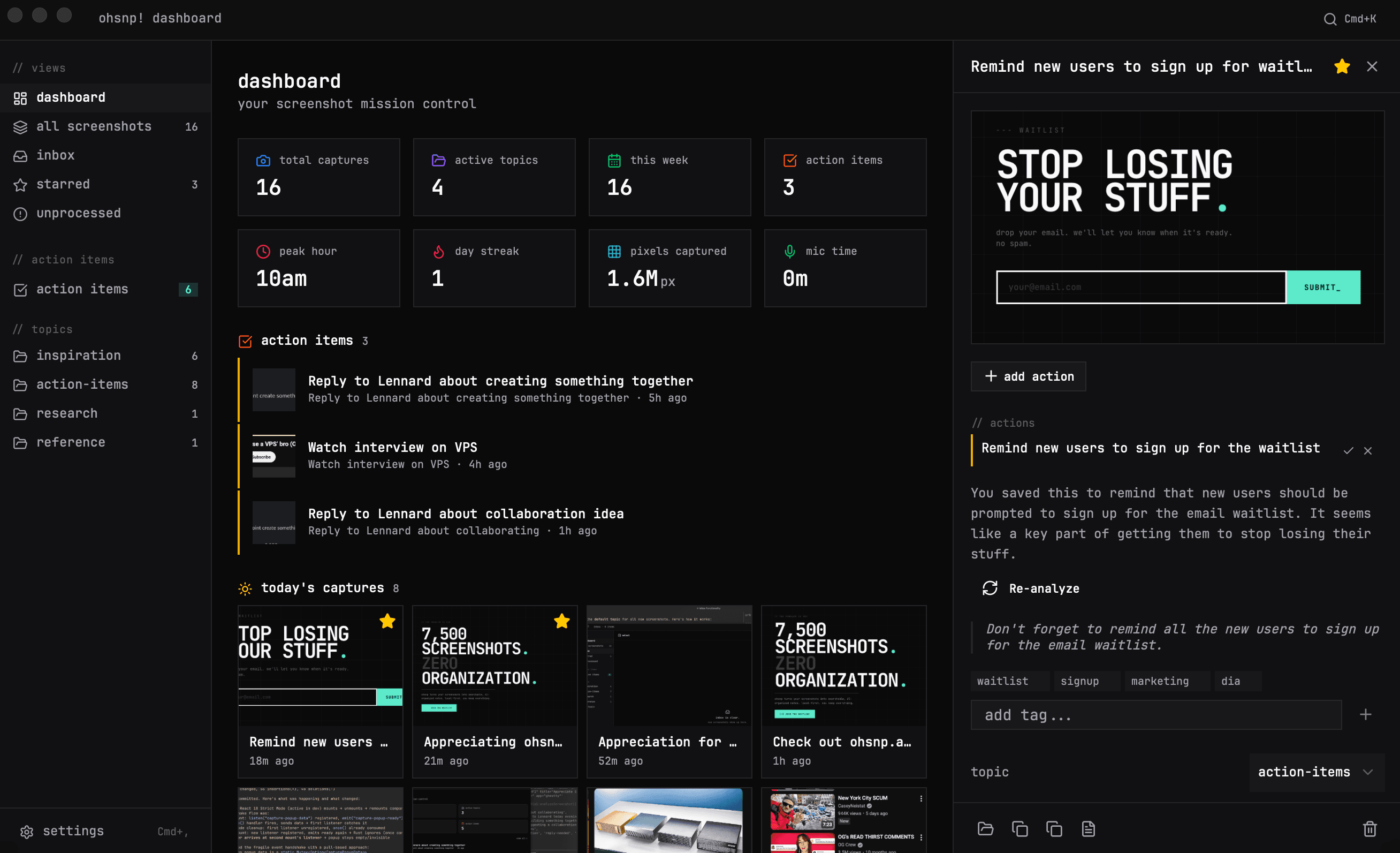
Every screenshot is automatically analyzed by AI to extract text, identify content, and generate a searchable summary. No manual tagging required.
*** feat_02
Voice & text context
Add context the moment you capture. Record a quick voice note or type why you took the screenshot — ohsnp attaches it to the note automatically.
*** feat_03
100% local-first & private
Your screenshots never leave your Mac. All data is stored in a local SQLite database on your device. No cloud uploads, no data mining.
*** feat_04
Instant search across all screenshots
Find any screenshot in seconds. Search by text content, AI-generated tags, your own notes, or date. No more scrolling through thousands of files.
*** feat_05
Lives in your menu bar
ohsnp runs quietly in your macOS menu bar. It detects new screenshots automatically — no app switching, no extra windows, no friction.
*** feat_06
Automatic organization
Screenshots are sorted into topics, tagged with keywords, and organized with action items. Your desktop stays clean. Your notes stay useful.
--- how it works
three steps. that's it.
take a screenshot, add context via voice or text, and that's it. everything is organized — including action items and checklists.
take a screenshot
use any tool you already have. cmd+shift+4, cleanshot, whatever. ohsnp detects it automatically.
add context
record a voice note or type why you took it. never forget the "why" behind a screenshot again.
done. it's organized.
ohsnp turns it into a searchable, tagged note. action items become automatic reminders. like a checklist you didn't have to write.
--- waitlist
STOP LOSING
YOUR STUFF.
drop your email. i'll let you know when it's ready. no spam.
--- real talk
i have no idea how to price this.
i'm one person building this. every screenshot you take costs me real money — voice-to-text APIs, AI vision tokens for analyzing your screenshots, server costs. it adds up.
i'm still figuring out what the right price looks like. but i don't want that to stop you from trying it.
so here's the deal: the first 50 people on the waitlist get ohsnp free for a full year. no catch.
--- faq
questions.
How does ohsnp organize screenshots automatically?
When you take a screenshot, ohsnp detects it via filesystem watching, analyzes the image with AI to extract text and context, and generates a searchable note with tags, topics, and action items — all automatically.
Does ohsnp upload screenshots to the cloud?
No. ohsnp is local-first. Your screenshots stay on your Mac and all metadata is stored in a local SQLite database. AI analysis uses third-party APIs only when you enable it, and no images are stored remotely.
What makes ohsnp different from CleanShot X or Shottr?
CleanShot X and Shottr are screenshot capture tools. ohsnp is a screenshot organization tool. It works alongside any capture tool you already use and focuses on what happens after the screenshot — turning it into a searchable, organized note.
Is ohsnp free?
ohsnp will have a paid plan to cover AI processing costs. The first 50 waitlist members get a full year free. Core features like local storage and manual organization will always be available.
What macOS versions does ohsnp support?
ohsnp requires macOS 14 Sonoma or later. It runs natively as a menu bar app built with Tauri, so it's lightweight and fast.
Can I search screenshots by text inside them?
Yes. ohsnp uses AI vision to extract text from screenshots (OCR). You can search by any text visible in the image, plus AI-generated tags, your own voice or text notes, and dates.